Are standing desks worth buying? 5 common misconceptions about choosing a standing desk for Hong Kong offices
Electric Standing Desks (Height-Adjustable Desks) are rapidly growing in popularity within the Hong Kong office furniture market, but there are also many misconceptions surrounding standing desks. This article directly dismantles 5 common misconceptions to help Hong Kong enterprises make rational procurement decisions.
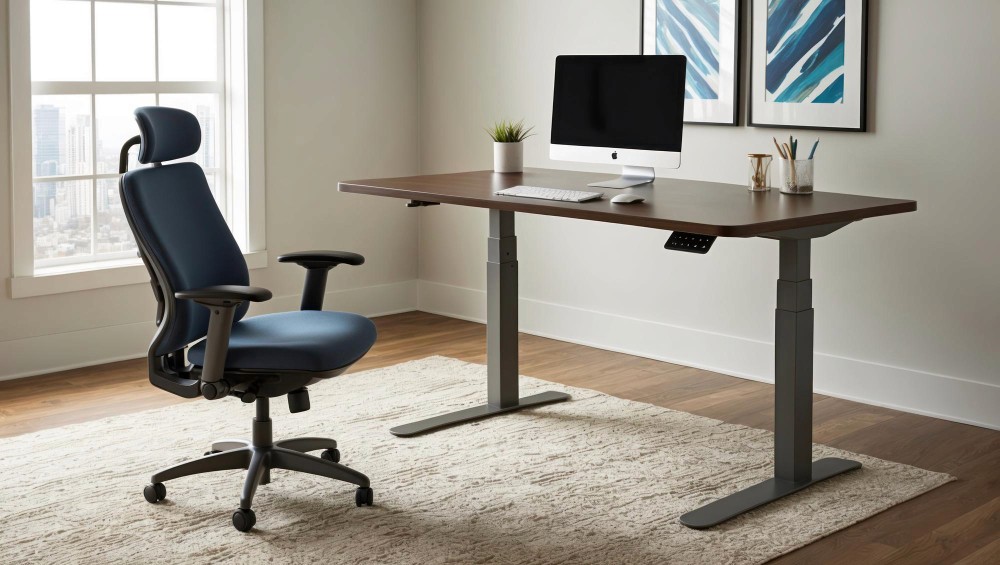
Office Electric Standing Desk — Standing to work improves health issues from long-term prolonged sitting
Misconception 1: "Standing desks are only used by people who are passionate about health"
The core value of a standing desk is not "having to stand for several hours every day", but "breaking long-term fixed sitting postures". When the human spine maintains a single posture for more than 45–60 minutes, the pressure on the intervertebral discs increases significantly. Standing desks allow employees to flexibly switch between sitting and standing. Even standing for just 1–2 hours a day can effectively relieve spinal pressure.
Japanese and Nordic enterprises had already adopted standing desks as standard configurations for new offices around 2015, rather than as an "exclusive choice for those with advanced health consciousness".
Misconception 2: "The more expensive the standing desk, the better, cheap ones are not worth buying"
The key to purchasing a standing desk lies in the following parameters, rather than being directly linked to the price:
Motor load capacity: Single-motor standing desks typically support 50–70kg, while dual-motor desks support 80–120kg or more. With computer monitors, keyboards, and other equipment placed on the desktop, plus the desktop itself, the weight easily exceeds 50kg, so dual-motor desks are recommended. Adjustment speed: Standard speed is 35–50mm/s; if the speed is too slow, it affects the willingness to use (employees are too lazy to switch). Adjustment noise: Reasonable range is ≤50 dB (equivalent to normal conversation volume); there should be no harsh motor noise in the office environment. Adjustment stroke (height range): The height difference from the lowest point to the highest point, recommended to cover 620–1,270mm to adapt to both sitting and standing usage states. Memory function: At least 2–4 height memory positions to avoid having to adjust manually every time it is used.

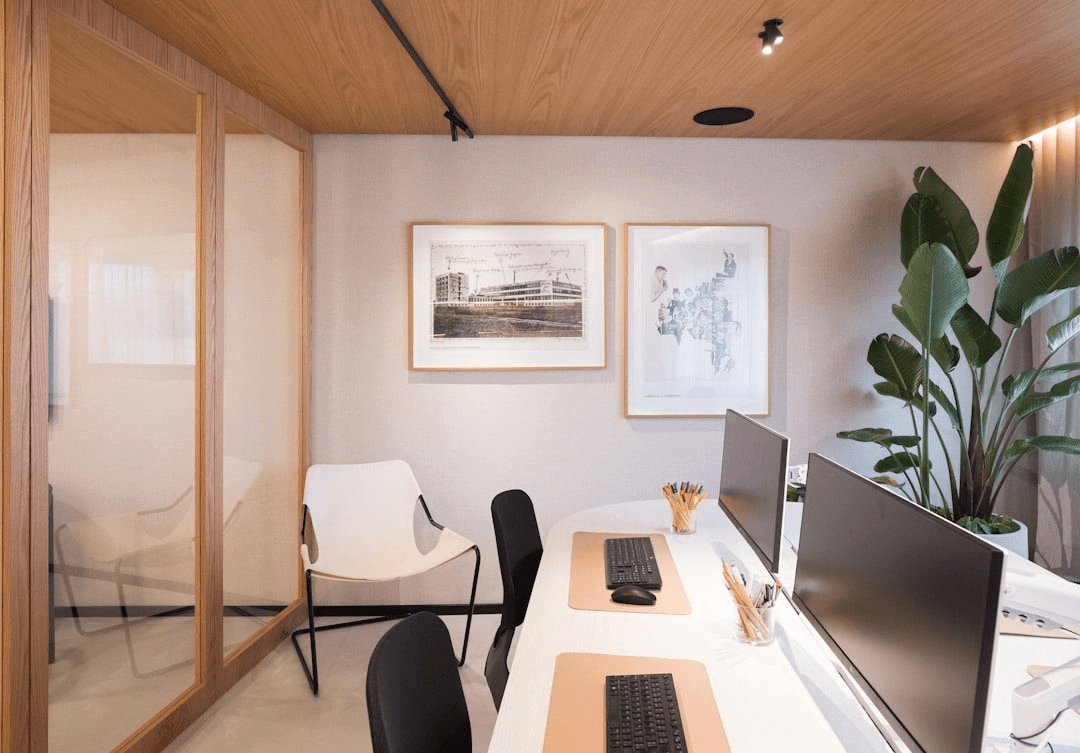
Office standing desk workstation — Switching between standing and sitting improves afternoon work efficiency
Misconception 3: "The larger the standing desk desktop, the better"
Hong Kong office workspace is generally limited, and oversized standing desktops often squeeze walkways or adjacent spaces. Reasonable standing desk desktop size planning:
Single workstation: 1,400×700mm (Standard) to 1,600×800mm (Spacious); exceeding 1,800mm is usually difficult to apply in Hong Kong offices. Dual-screen workstation: 1,600×700mm is recommended, with double monitor arms installed to free up desktop space, rather than relying on desktop size to solve the problem.
Desktop materials: High-density particleboard (≥25mm thick) with melamine finish is the mainstream choice; solid wood desktops have good visual appeal but are costly and prone to moisture warping.
Misconception 4: "Replacing desks with standing desks for the whole company is too expensive and not cost-effective"
The "company-wide replacement" mindset for standing desks is actually a waste of budget. A more effective strategy is "key allocation":
Workstations prioritised for standing desks: Positions using computers for more than 6 hours a day on average (development, design, finance), workstations for employees with cervical/lumbar spine problems, and standing meeting tables in meeting rooms (standing discussions can improve decision-making efficiency; studies show standing meetings shorten time by 34%).
Allocating standing desks to 20–30% of workstations, combined with a hot-desking policy where all company employees can freely choose their workstations, can achieve maximum benefits at the lowest cost.
Misconception 5: "A standing desk plus an ergonomic chair constitutes a complete ergonomic workstation"
Standing desks and chairs are only the basic parts of workstation ergonomics. A complete ergonomic workstation also includes: Monitor arms: The center of the monitor should be 10–20° below the eye level; too high or too low causes neck fatigue. Keyboard and mouse trays (if applicable): Ensure wrists remain level and do not bend upwards when typing. Footrests: For shorter employees, when the desktop is raised to a suitable height but feet cannot rest flat on the floor, a footrest is a necessary accessory. Anti-fatigue standing mats: When standing for more than 30 minutes, stepping on an anti-fatigue mat can significantly reduce lower limb fatigue.
BW Furniture offers standing desk series, including single-motor and dual-motor options, which can be purchased as a complete workstation package with ergonomic chairs and monitor arms. Delivery and installation are completed within 7–10 working days, with free delivery across Hong Kong.
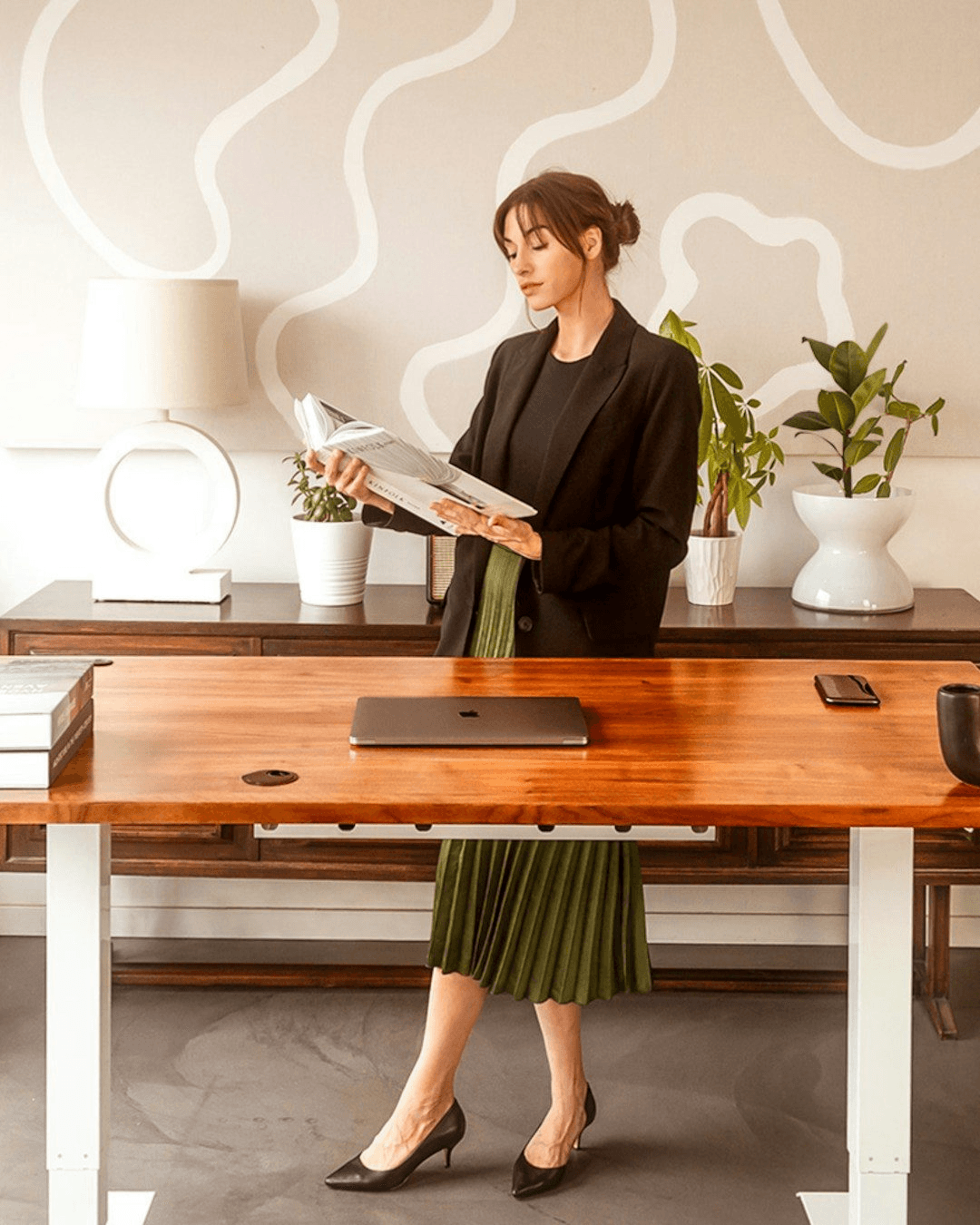
Office workstation design — Complete configuration of ergonomic accessories